Release date: May 29, 2015 (Steam, PC) · Early Access

Can your PC run BeamNG.drive? This guide lists the official minimum and recommended specs from the Steam store, the Steam Deck rating and practical tips to get smooth performance. It is a demanding game: even the minimum spec asks for Minimum 6GB VRAM (AMD Radeon RX 570 and 16 GB of RAM.
About BeamNG.drive
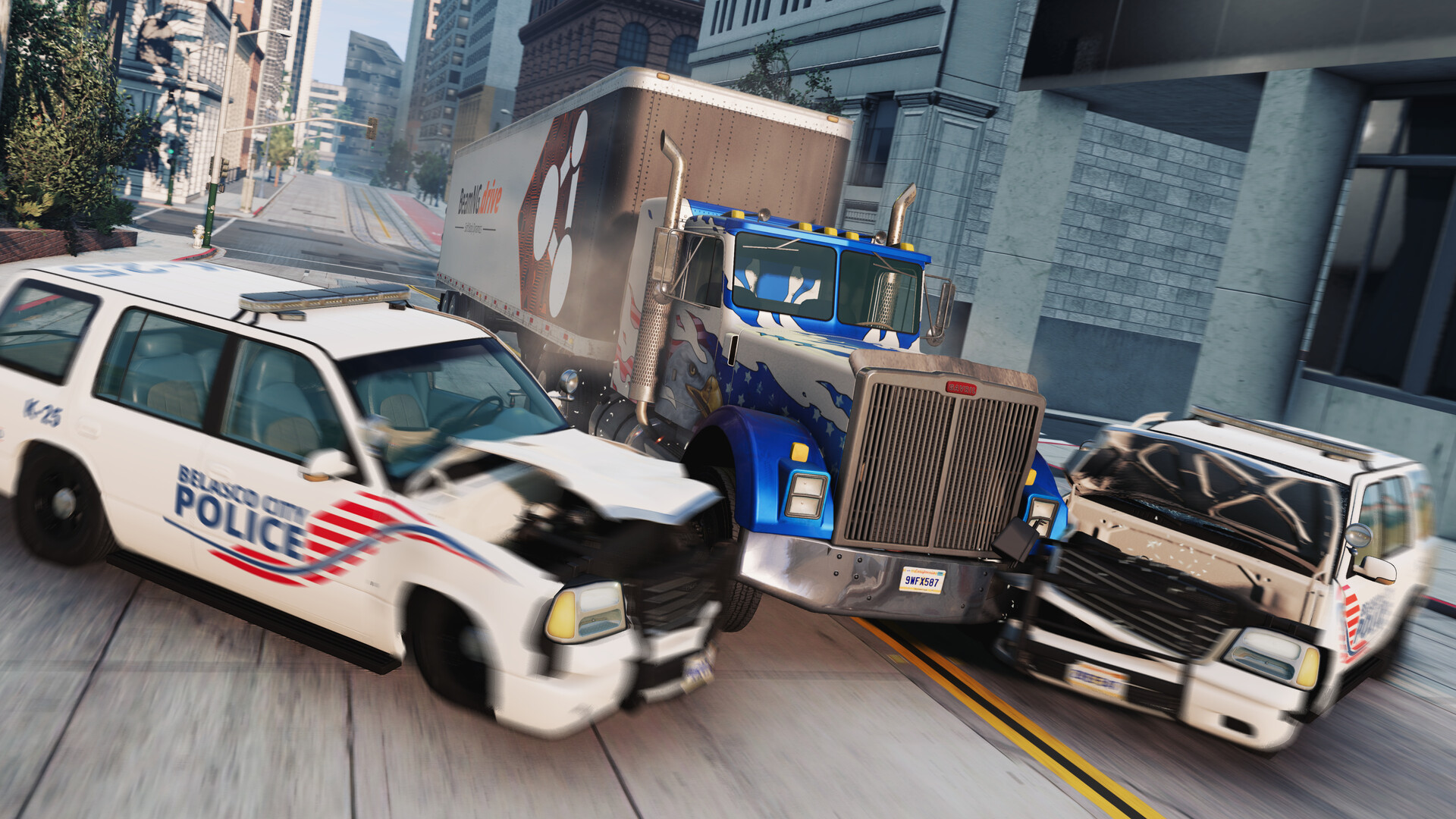
BeamNG.drive is a vehicle simulation sandbox built on a soft-body physics engine. Every vehicle bends and breaks realistically, so you can drive, race, test and crash a wide range of cars, trucks and more.
Key Features
- Soft-body physics for realistic crashes
- Large variety of vehicles and maps
- Scenarios, time trials and career mode
- Huge modding community
BeamNG.drive Release Date and Price
BeamNG.drive was released on Steam on May 29, 2015, developed by BeamNG. It is currently in Early Access, so content and requirements may still change. At the time of writing (November 2026) it costs $24.99 on the official Steam page.
BeamNG.drive System Requirements
| Component | Minimum | Recommended |
|---|---|---|
| OS | Windows 10 64 Bit | Windows 10 64 Bit |
| CPU | AMD Ryzen 5 1600 / Intel Core i5 8400 | AMD Ryzen 7 3700X / Intel Core i7 9700 |
| RAM | 16 GB | 32 GB |
| GPU | Minimum 6GB VRAM (AMD Radeon RX 570 / Nvidia GeForce GTX 1060) | Minimum 8GB VRAM (AMD RX 6700 / Nvidia GeForce RTX 3060) |
| DirectX | DirectX 11 | DirectX 11 |
| Storage | 60 GB available space | 60 GB available space |
Developer notes from the Steam page: "Recommended spec based on 1080p resolution. Installing game mods will increase required storage space. Gamepad recommended."
Does BeamNG.drive Run on Steam Deck?
Valve rates it "Playable" on Steam Deck: it runs, but you may need to tweak controls or deal with small text.
5 Tips to Run BeamNG.drive Smoothly
- Install it on an SSD. The install takes 60 GB available space. On an SSD, loading and texture streaming are much smoother than on a hard drive.
- Use upscaling. If the graphics menu offers DLSS, FSR or XeSS, turn it on. It gives a big FPS boost, especially at 1440p and 4K.
- Lower shadows and effects first. Shadows, volumetric effects and ambient occlusion cost the most performance for the least visual difference.
- Play on a wired connection. For online matches, use Ethernet instead of Wi-Fi and pause downloads in the background to keep ping low and stable.
- Close background apps. With 16 GB of RAM at minimum, browsers and launchers left open can cause stutter. Close them before you play.
Your PC Doesn't Make the Cut? Upgrade Smart
If BeamNG.drive runs badly on your PC, start with these upgrades:
An RTX 5060 is faster than the recommended Minimum 8GB VRAM (AMD RX 6700 and gives you headroom for higher settings.
See RTX 5060 dealsA Ryzen 7 5700X3D is a popular drop-in upgrade for AM4 motherboards and handles BeamNG.drive comfortably.
See Ryzen 7 5700X3D dealsThe game takes 60 GB available space. A 1 TB NVMe drive keeps loading times short.
See 1 TB NVMe SSDsVerdict: Can You Run BeamNG.drive?
If your PC has at least AMD Ryzen 5 1600, 16 GB of RAM and Minimum 6GB VRAM (AMD Radeon RX 570 (or the equivalents), yes, you can run BeamNG.drive on low settings. For the recommended experience, aim for AMD Ryzen 7 3700X, 32 GB of RAM, Minimum 8GB VRAM (AMD RX 6700 or better. Use the checker on this page to compare your own parts in a few seconds.
As an Amazon Associate I earn from qualifying purchases. Specs, release date, price and images from the official BeamNG.drive Steam page (November 2026).