Release date: October 25, 2022 (Steam, PC)

Can your PC run Mount & Blade II: Bannerlord? This guide lists the official minimum and recommended specs from the Steam store, the Steam Deck rating and practical tips to get smooth performance. Its requirements are moderate: you need at least Intel UHD Graphics 630 and 6 GB of RAM for the minimum, and more for the recommended experience.
About Mount & Blade II: Bannerlord
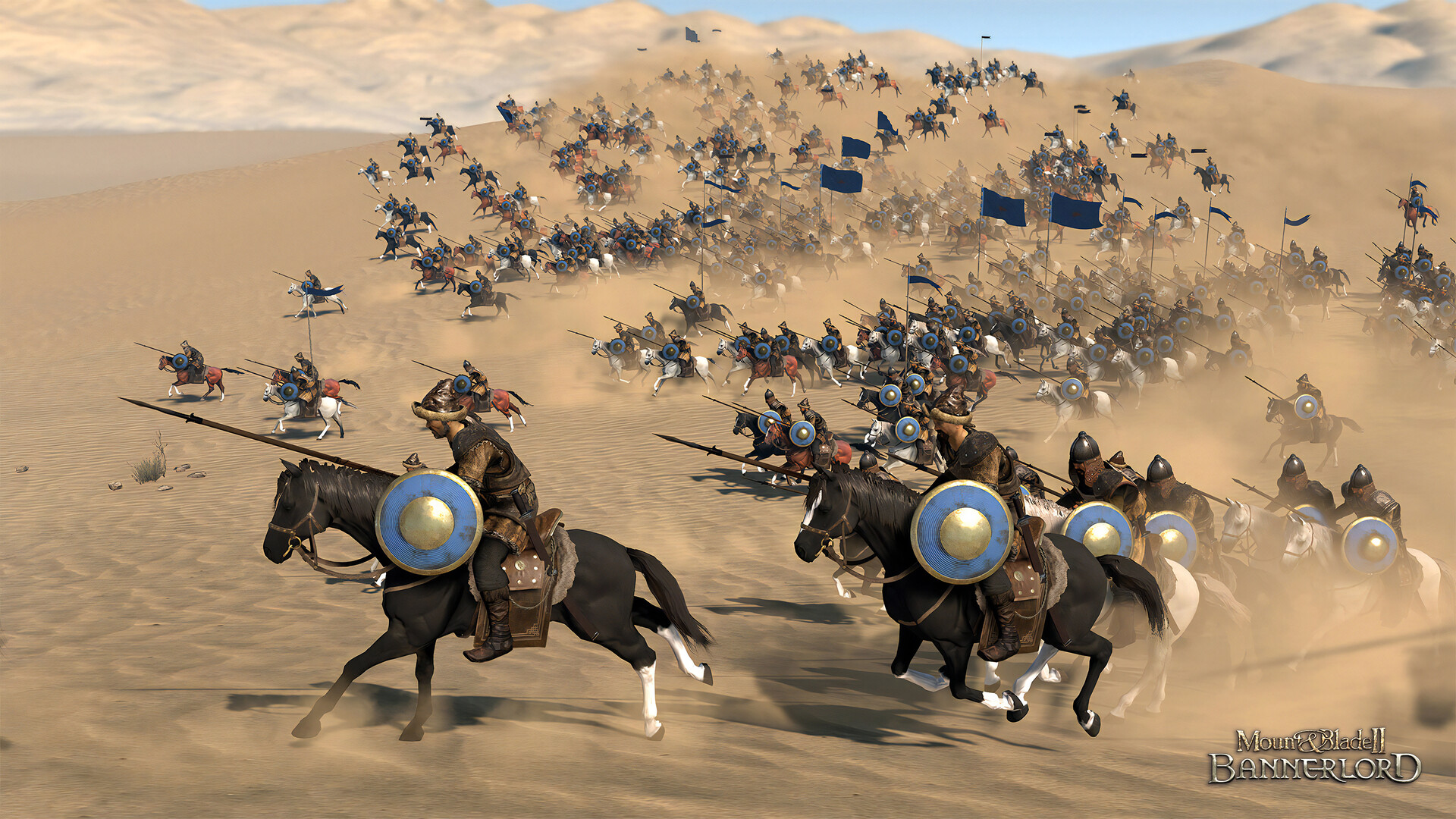
Mount & Blade II: Bannerlord is TaleWorlds' medieval sandbox of combat and strategy. Raise a warband, trade, fight in large real-time battles and found your own kingdom in Calradia.
Key Features
- Large real-time battles you fight in person
- Sandbox campaign: trade, recruit and conquer
- Sieges, clans and kingdom management
- Strong modding support
Mount & Blade II: Bannerlord Release Date and Price
Mount & Blade II: Bannerlord was released on Steam on October 25, 2022, developed by TaleWorlds Entertainment. At the time of writing (November 2026) it costs $49.99 on the official Steam page. It holds a Metacritic score of 77.
Mount & Blade II: Bannerlord System Requirements
| Component | Minimum | Recommended |
|---|---|---|
| OS | Windows 7 (64-bit only) | Windows 10 (64-bit only) |
| CPU | Intel Core i3-8100 / AMD Ryzen 3 1200 / Snapdragon X Elite | Intel Core i5-9600K / AMD Ryzen 5 3600X |
| RAM | 6 GB | 8 GB |
| GPU | Intel UHD Graphics 630 / NVIDIA GeForce GTX 660 2GB / AMD Radeon HD 7850 2GB | NVIDIA GeForce GTX 1060 3GB / AMD Radeon RX 580 |
| DirectX | — | — |
| Storage | 60 GB available space | 60 GB available space |
Does Mount & Blade II: Bannerlord Run on Steam Deck?
Valve rates it "Playable" on Steam Deck: it runs, but you may need to tweak controls or deal with small text.
4 Tips to Run Mount & Blade II: Bannerlord Smoothly
- Install it on an SSD. The install takes 60 GB available space. On an SSD, loading and texture streaming are much smoother than on a hard drive.
- Lower shadows and effects first. Shadows, volumetric effects and ambient occlusion cost the most performance for the least visual difference.
- Play on a wired connection. For online matches, use Ethernet instead of Wi-Fi and pause downloads in the background to keep ping low and stable.
- Update your graphics driver. New NVIDIA, AMD and Intel drivers often fix bugs and improve performance in recent games.
Your PC Doesn't Make the Cut? Upgrade Smart
If Mount & Blade II: Bannerlord runs badly on your PC, start with these upgrades:
A Radeon RX 6600 is faster than the recommended NVIDIA GeForce GTX 1060 3GB and gives you headroom for higher settings.
See RX 6600 dealsA Ryzen 5 5600 is a popular drop-in upgrade for AM4 motherboards and handles Mount & Blade II: Bannerlord comfortably.
See Ryzen 5 5600 dealsThe game takes 60 GB available space. A 1 TB NVMe drive keeps loading times short.
See 1 TB NVMe SSDsVerdict: Can You Run Mount & Blade II: Bannerlord?
If your PC has at least Intel Core i3-8100, 6 GB of RAM and Intel UHD Graphics 630 (or the equivalents), yes, you can run Mount & Blade II: Bannerlord on low settings. For the recommended experience, aim for Intel Core i5-9600K, 8 GB of RAM, NVIDIA GeForce GTX 1060 3GB or better. Use the checker on this page to compare your own parts in a few seconds.
As an Amazon Associate I earn from qualifying purchases. Specs, release date, price and images from the official Mount & Blade II: Bannerlord Steam page (November 2026).