Release date: May 6, 2021 (Steam, PC)

Resident Evil Village is the eighth main game in the series and the direct sequel to Resident Evil 7, released on PC on May 6, 2021. It plays in first person and runs on the RE Engine, which scales well from entry-level to high-end PCs.
About Resident Evil Village
A few years after the events of Resident Evil 7, Ethan Winters and his wife Mia are trying to live a normal life when tragedy strikes again. Ethan ends up in a remote European village ruled by strange lords and creatures, and Chris Redfield appears with motives that seem far from heroic.
Compared with Resident Evil 7, Village has more combat, more exploration and bigger set pieces, while keeping first-person horror at its core.
Key Features
- First-person survival horror starring Ethan Winters
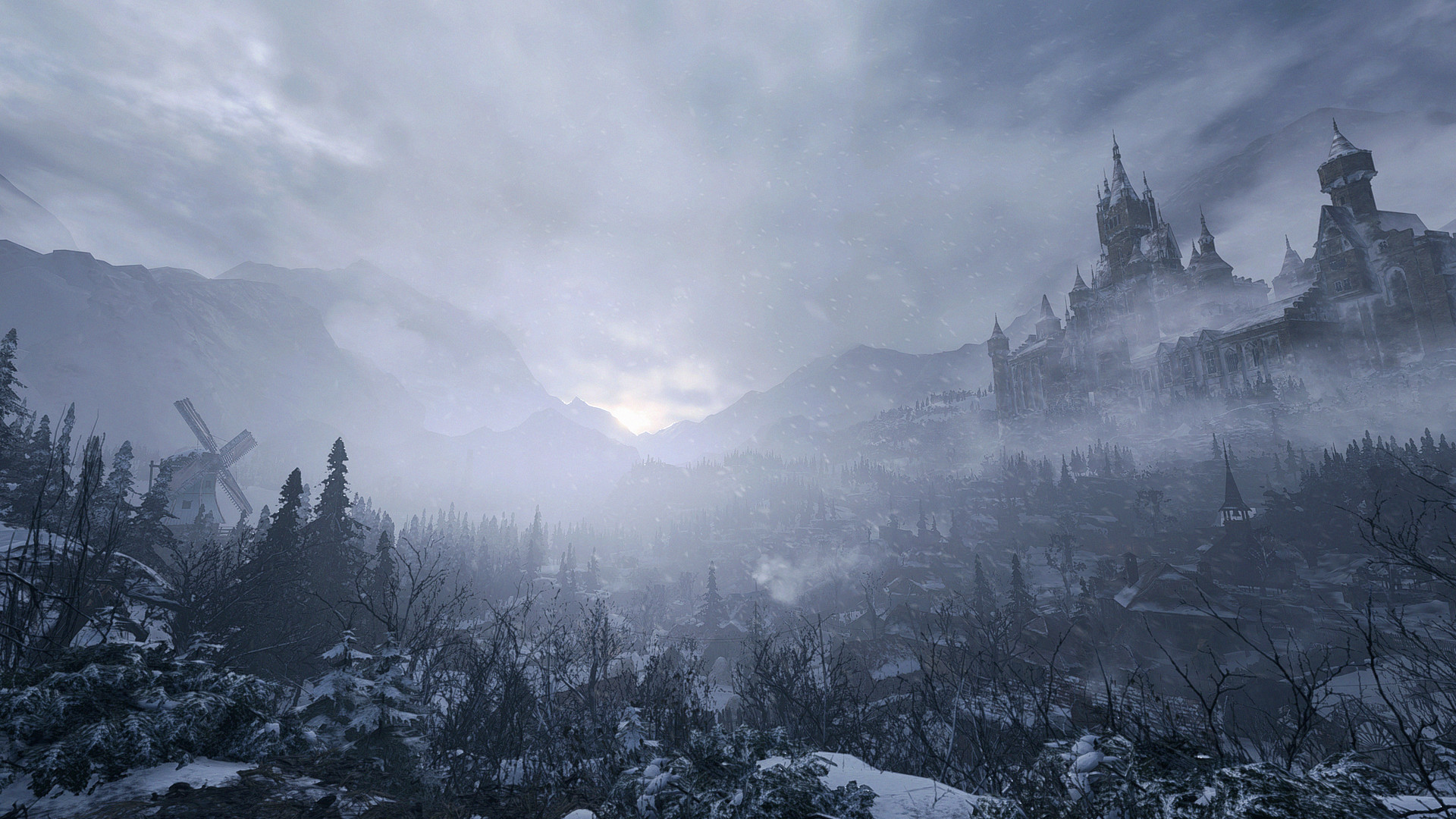
- A snowy European village, a castle and other distinct areas
- Chris Redfield in a mysterious new role
- RE Engine graphics with optional ray tracing
Resident Evil Village Release Date and Price
Resident Evil Village was released on Steam on May 6, 2021, developed and published by Capcom. At the time of writing (November 2026) it costs $39.99 on the official Steam page, and it holds a Metacritic score of 83.
Resident Evil Village System Requirements
| Component | Minimum | Recommended |
|---|---|---|
| OS | Windows 10 64-bit | Windows 10/11 64-bit |
| CPU | Intel Core i5-7500 / AMD Ryzen 3 1200 | Intel Core i7-8700 / AMD Ryzen 5 3600 |
| RAM | 8 GB | 16 GB |
| GPU | NVIDIA GeForce GTX 1050 Ti 4 GB / AMD Radeon RX 560 4 GB | NVIDIA GeForce GTX 1070 / AMD Radeon RX 5700 |
| DirectX | DirectX 12 | DirectX 12 |
| Storage | Not listed | Not listed |
Capcom estimates 1080p at 60 FPS on both specs (minimum with Prioritize Performance). Ray tracing needs at least an RTX 2060 or RX 6700 XT, and an RTX 2070 or RX 6700 XT at recommended settings.
Does Resident Evil Village Run on Steam Deck?
Valve rates it "Verified" on Steam Deck, so it runs well with the default controls and settings.
5 Tips to Run Resident Evil Village Smoothly
- Watch the video memory meter. RE Engine games show how much video memory your settings use. Keep it under your card's VRAM: lower texture quality first if you go over.
- Use the built-in upscaling. The graphics menu offers upscaling (FSR, plus DLSS where supported). It gives a big FPS boost at 1440p and 4K.
- Turn ray tracing off on mid-range cards. Ray tracing needs a much stronger card than the recommended spec.
- Lower shadows and volumetric lighting. They cost the most performance for the least visual change.
- Install on an SSD. Loading and texture streaming are much smoother than on a hard drive.
Your PC Doesn't Make the Cut? Upgrade Smart
If Resident Evil Village runs badly on your PC, start with these upgrades:
An RX 6600 is well above the recommended card and handles high settings at 1080p.
See RX 6600 dealsA Ryzen 5 5600 is faster than the recommended processor and is cheap on AM4.
See Ryzen 5 5600 dealsA 16 GB kit covers the recommended memory with headroom for Discord and a browser.
See 16 GB DDR4 kitsVerdict: Can You Run Resident Evil Village?
If your PC has at least a Intel Core i5-7500, 8 GB of RAM and a NVIDIA GeForce GTX 1050 Ti 4 GB (or the AMD equivalents), yes, you can run Resident Evil Village on low settings. For the recommended experience, aim for a Intel Core i7-8700, 16 GB of RAM and a NVIDIA GeForce GTX 1070 or better. Use the checker on this page to compare your own parts in a few seconds.
As an Amazon Associate I earn from qualifying purchases. Specs, release date, price and images from the official Resident Evil Village Steam page (November 2026).