Release date: September 2, 2013 (Steam, PC)
Can your PC run Total War: ROME II - Emperor Edition? This guide lists the official minimum and recommended specs from the Steam store, the Steam Deck rating and practical tips to get smooth performance. Its requirements are moderate: you need at least 512 MB DirectX 9.0c compatible card . and 2GB of RAM for the minimum, and more for the recommended experience.
About Total War: ROME II - Emperor Edition
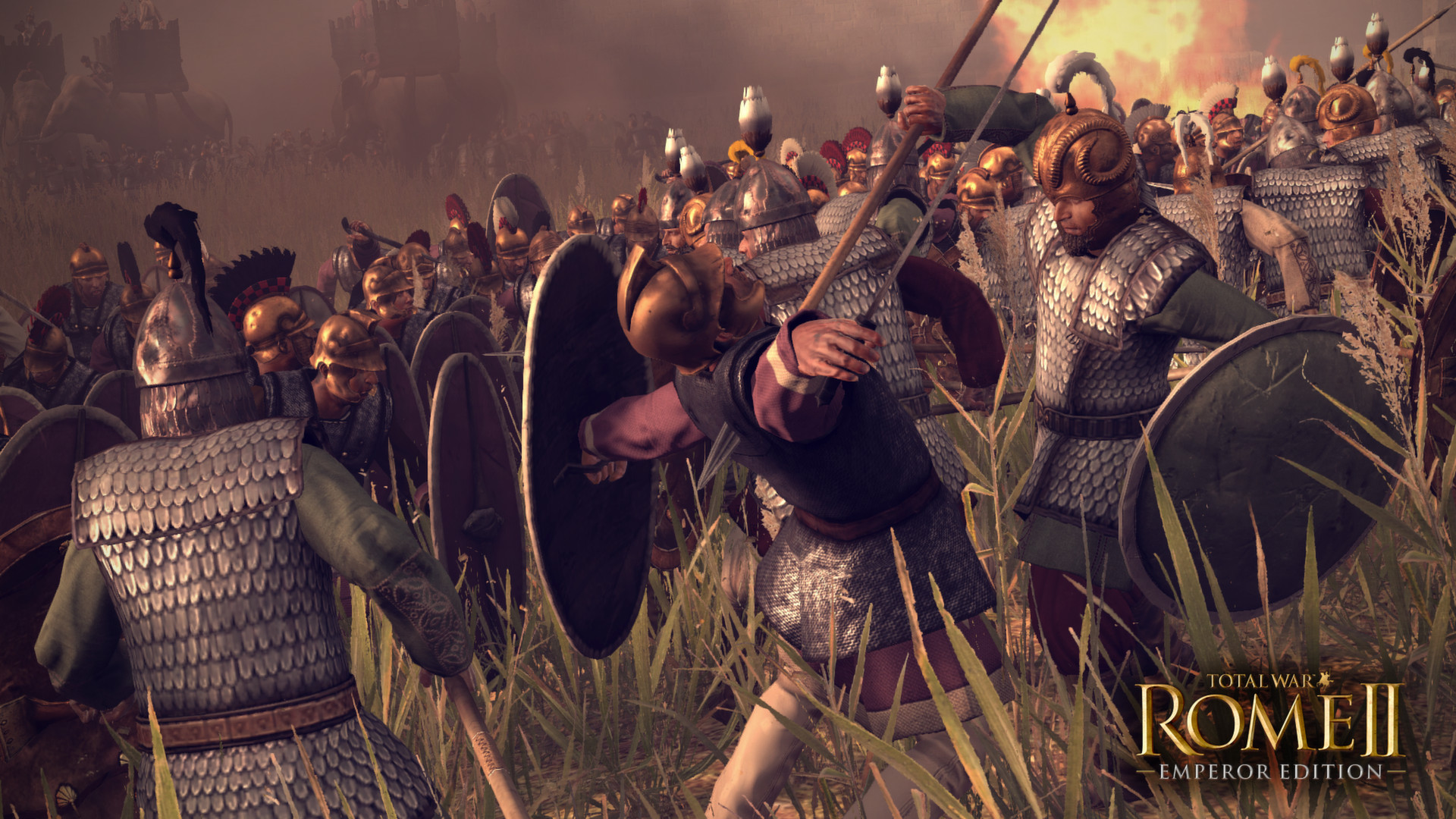
Total War: ROME II is Creative Assembly's strategy game set in ancient Rome. You build an empire in turn-based campaigns and fight large real-time battles.
Key Features
- Ancient Rome setting
- Turn-based campaign
- Large real-time battles
- Many factions
Total War: ROME II - Emperor Edition Release Date and Price
Total War: ROME II - Emperor Edition was released on Steam on September 2, 2013, developed by CREATIVE ASSEMBLY, Feral Interactive and published by SEGA, Feral Interactive. At the time of writing (November 2026) it costs $7.49 on the official Steam page. It holds a Metacritic score of 76.
Total War: ROME II - Emperor Edition System Requirements
| Component | Minimum | Recommended |
|---|---|---|
| OS | XP/ Vista / Windows 7 / Windows 8 | Windows 7 / Windows 8 |
| CPU | 2 GHz Intel Dual Core processor / 2.6 GHz Intel Single Core processor | 2nd Generation Intel Core i5 processor (or greater) |
| RAM | 2GB | 4GB |
| GPU | 512 MB DirectX 9.0c compatible card (shader model 3, vertex texture fetch support). | 1024 MB DirectX 11 compatible graphics card. |
| DirectX | DirectX 9.0c | DirectX 11 |
| Storage | 35 GB HD space | 35 GB HD space |
Developer notes from the Steam page: "Screen Resolution - 1920x1080Microsoft no longer supports Windows 10 or older versions"
Does Total War: ROME II - Emperor Edition Run on Steam Deck?
Valve rates it "Playable" on Steam Deck: it runs, but you may need to tweak controls or deal with small text.
3 Tips to Run Total War: ROME II - Emperor Edition Smoothly
- Play on a wired connection. For online matches, use Ethernet instead of Wi-Fi and pause downloads in the background to keep ping low and stable.
- Update your graphics driver. New NVIDIA, AMD and Intel drivers often fix bugs and improve performance in recent games.
- Match the resolution to your screen. Playing at your monitor's native resolution with a lower preset usually looks better than dropping the resolution.
Your PC Doesn't Make the Cut? Upgrade Smart
If Total War: ROME II - Emperor Edition runs badly on your PC, start with these upgrades:
A Radeon RX 6600 is a solid graphics card for this game and for upcoming releases.
See RX 6600 dealsA Ryzen 5 5600 is a popular drop-in upgrade for AM4 motherboards and handles Total War: ROME II - Emperor Edition comfortably.
See Ryzen 5 5600 deals16 GB of RAM is the sweet spot for gaming today and covers this game easily.
See 16 GB DDR4 kitsVerdict: Can You Run Total War: ROME II - Emperor Edition?
If your PC has at least 2 GHz Intel Dual Core processor, 2GB of RAM and 512 MB DirectX 9.0c compatible card . (or the equivalents), yes, you can run Total War: ROME II - Emperor Edition on low settings. For the recommended experience, aim for 2nd Generation Intel Core i5 processor, 4GB of RAM, 1024 MB DirectX 11 compatible graphics card. or better. Use the checker on this page to compare your own parts in a few seconds.
As an Amazon Associate I earn from qualifying purchases. Specs, release date, price and images from the official Total War: ROME II - Emperor Edition Steam page (November 2026).