Release date: February 1, 2017 (Steam, PC) · Early Access

Can your PC run VRChat? This guide lists the official minimum and recommended specs from the Steam store, the Steam Deck rating and practical tips to get smooth performance. Its requirements are moderate: you need at least NVIDIA GeForce GTX 970 and 4 GB of RAM.
About VRChat
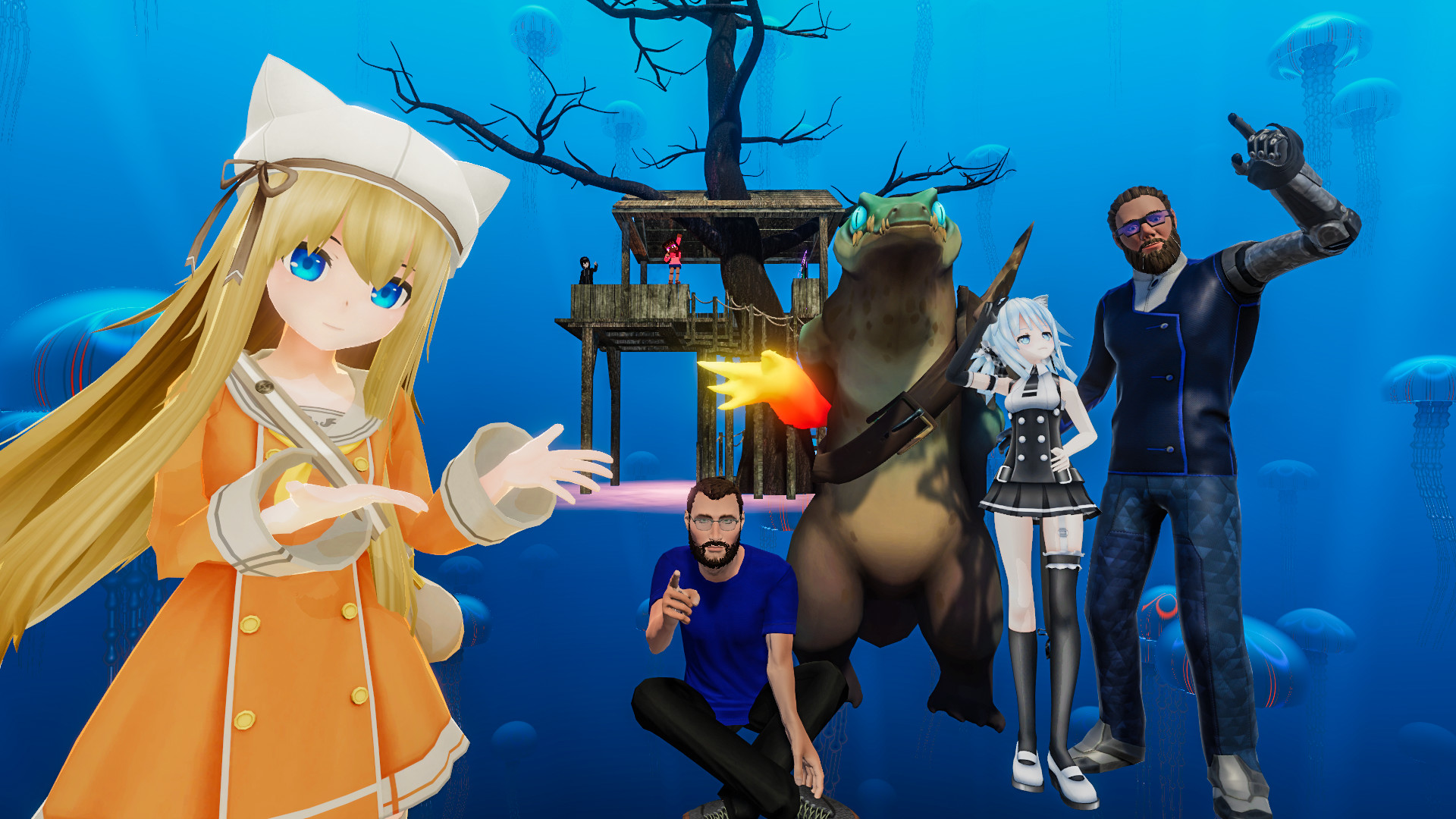
VRChat is a free social platform where people meet, talk and play inside 3D worlds made by the community. You can join with a VR headset or in desktop mode, and new avatars, worlds and mini-games appear every day.
Key Features
- Thousands of community-built worlds and avatars
- Play in VR or in desktop mode
- Voice chat and full-body tracking support
- Creator tools through the VRChat SDK and Unity
VRChat Release Date and Price
VRChat was released on Steam on February 1, 2017, developed by VRChat Inc. It is currently in Early Access, so content and requirements may still change. It is free to play on the official Steam page.
VRChat System Requirements
| Component | Minimum | Recommended |
|---|---|---|
| OS | Windows 10/11 | Not listed |
| CPU | Intel i5-4590 / AMD FX 8350 equivalent or greater | Not listed |
| RAM | 4 GB | Not listed |
| GPU | NVIDIA GeForce GTX 970 / AMD Radeon R9 290 equivalent or greater | Not listed |
| DirectX | DirectX 11 | Not listed |
| Storage | 1 GB available space | Not listed |
| Network | Broadband Internet connection | Not listed |
The developer only lists minimum requirements on Steam, so there is no official recommended spec.
Does VRChat Run on Steam Deck?
Valve rates it "Verified" on Steam Deck: it runs great out of the box, with full controller support and readable text.
4 Tips to Run VRChat Smoothly
- Lower shadows and effects first. Shadows, volumetric effects and ambient occlusion cost the most performance for the least visual difference.
- Play on a wired connection. For online matches, use Ethernet instead of Wi-Fi and pause downloads in the background to keep ping low and stable.
- Try it on Steam Deck. It is Steam Deck Verified, so it is a good option if your desktop PC falls short.
- Update your graphics driver. New NVIDIA, AMD and Intel drivers often fix bugs and improve performance in recent games.
Your PC Doesn't Make the Cut? Upgrade Smart
If VRChat runs badly on your PC, start with these upgrades:
A Radeon RX 6600 is faster than the minimum NVIDIA GeForce GTX 970 and gives you headroom for higher settings.
See RX 6600 dealsA Ryzen 5 5600 is a popular drop-in upgrade for AM4 motherboards and handles VRChat comfortably.
See Ryzen 5 5600 deals16 GB of RAM is the sweet spot for gaming today and covers this game easily.
See 16 GB DDR4 kitsVerdict: Can You Run VRChat?
If your PC has at least Intel i5-4590, 4 GB of RAM and NVIDIA GeForce GTX 970 (or the equivalents), yes, you can run VRChat. Use the checker on this page to compare your own parts in a few seconds.
As an Amazon Associate I earn from qualifying purchases. Specs, release date, price and images from the official VRChat Steam page (November 2026).